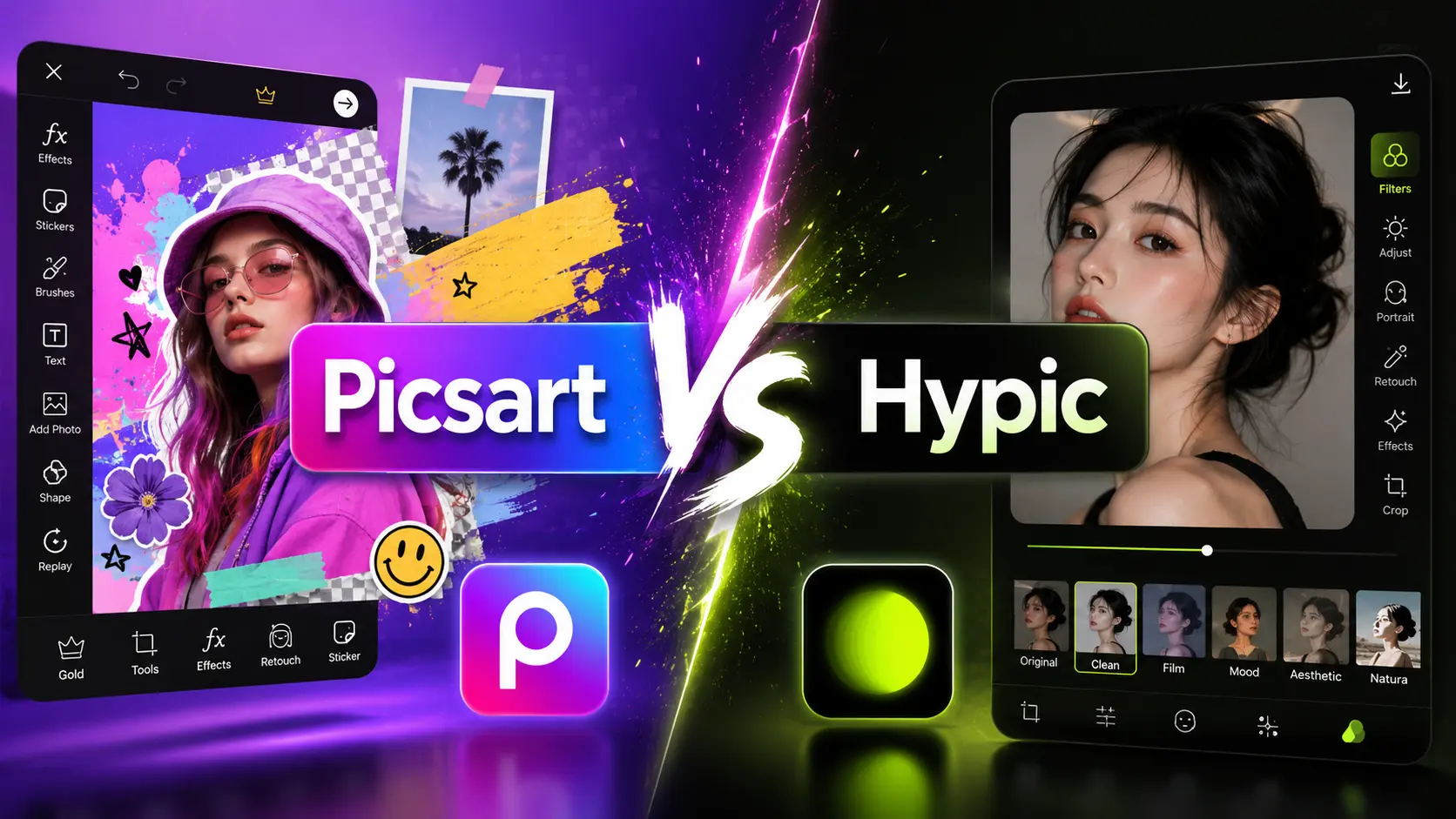
Hypic Vs Picsart
PicsArt vs Hypic comes down to how you like to edit. Hypic, made by ByteDance, is best for fast one tap AI edits and beginners. PicsArt is best for all in one creativity, with photo and video editing, stickers, and a community. Both are free to start, with a paid plan for extra tools. This guide compares their features, ease of use, pricing, and the honest truth about MOD versions.
Last checked: July 2026. Free plans, prices, and app features can change by country and app version.
PicsArt and Hypic at a glance
| Feature | Hypic | PicsArt |
|---|---|---|
| Maker | ByteDance | PicsArt, Inc. |
| Best for | Fast AI photo edits | All in one creative editing |
| Video editing | Limited | Yes |
| AI tools | Strong, one tap | Good, more manual |
| Community | No | Yes, Remix and challenges |
| Free plan | Yes, with Hypic Pro | Yes, with PicsArt Gold |
| Platforms | Android, iOS, PC via emulator | Android, iOS, Web, Windows |
Hypic
An AI photo editor from ByteDance, built for speed. One tap filters, background removal, AI art, avatars, and face retouching, plus templates and collages. No full video editing and no RAW support. Best for quick, clean social media edits.
PicsArt
An all in one editor for photos and video from PicsArt, Inc. Stickers, collages, fonts, drawing tools, overlays, plus AI features like background removal and AI Enhance. A built-in community with Remix Chat and challenges. Best when you want many creative tools in one place.
What is Hypic?
Hypic is an AI photo editor made by ByteDance, the company behind TikTok. It focuses on speed, with one tap filters, background removal, AI art, avatars, and face retouching. It also has templates and collages. It does not fully edit video, and it does not support RAW files. It is best for quick, clean social media edits.

What is PicsArt?
PicsArt, made by PicsArt, Inc., is an all in one editor for photos and video. It offers stickers, collages, fonts, drawing tools, overlays, and AI features like background removal and AI Enhance. It also has a community with Remix Chat and challenges. It is best for people who want many creative tools in one place.

Features and tools compared
The main difference is speed versus range. Hypic does most edits in one tap, which suits beginners and fast social posts. PicsArt gives you more manual control and more tools, including video, design, and drawing, which suits creators who like to build an image by hand. Hypic leans into AI art and retouching. PicsArt leans into versatility and community. Neither is built for RAW or pro colour grading, so use Adobe Lightroom for that.
Ease of use
Hypic has a clean, simple layout that is easy for first time users. PicsArt is feature rich, so it can feel busy at first, with many menus and tools. If you want quick results, Hypic is easier. If you want depth and do not mind a learning curve, PicsArt gives you more to work with.
Free plans, watermarks, and pricing
Both apps are free to start. PicsArt keeps its best tools, HD export, and an ad free view in PicsArt Gold, and some content can add a watermark on the free plan. Hypic locks some AI tools and styles behind Hypic Pro. Prices and free limits can change by country and app version, and Hypic may not appear in every app store, so check the current listing before you pay.
About PicsArt MOD APK and premium unlocked versions
⚠️ Safety warning: avoid MOD, hacked, or cracked builds
Many people search for a PicsArt MOD APK, a hack, or a premium unlocked build to get Gold tools for free. We do not recommend these. A PicsArt MOD APK for PC, or a PicsArt MOD for iOS, is not official, and cracked apps are a common way to spread malware that can steal your photos and logins. MOD files also fall behind the latest version, so you can get stuck on an old version with bugs and no updates, and your account can be banned. The safe path is the official PicsArt free plan, or PicsArt Gold if you want the paid tools. It is available on Android, iOS, the web, and a Windows app for PC.
Which one should you pick?
Pick Hypic if…
You want fast, one tap AI edits for social media with little effort.
Pick PicsArt if…
You want a full toolkit with video, design, stickers, and a community.
Many creators keep both, using Hypic for quick edits and PicsArt for bigger projects. For more options, see our guide to the best free editing apps and the best Hypic alternatives.
Frequently asked questions
Is PicsArt better than Hypic?
Neither is better for everyone. Hypic is better for fast AI edits and beginners. PicsArt is better for all in one creativity, video, and design. Your best pick depends on how much control you want over each edit.
Is there a safe PicsArt MOD APK with premium unlocked features?
No. A PicsArt MOD APK, hack, or premium unlocked build is not official and can carry malware, break with the latest version, and get your account banned. Use the official free plan or PicsArt Gold instead.
Can I use PicsArt or Hypic on PC?
Yes. PicsArt has a web version and a Windows app. Hypic does not have an official PC app, so people run it through an Android emulator like BlueStacks or LDPlayer.
Is PicsArt free?
PicsArt has a free plan with ads. HD export, an ad-free view, and the best tools need PicsArt Gold. Some free content can add a watermark, so test one export first.