Best Free Editing Apps in 2026
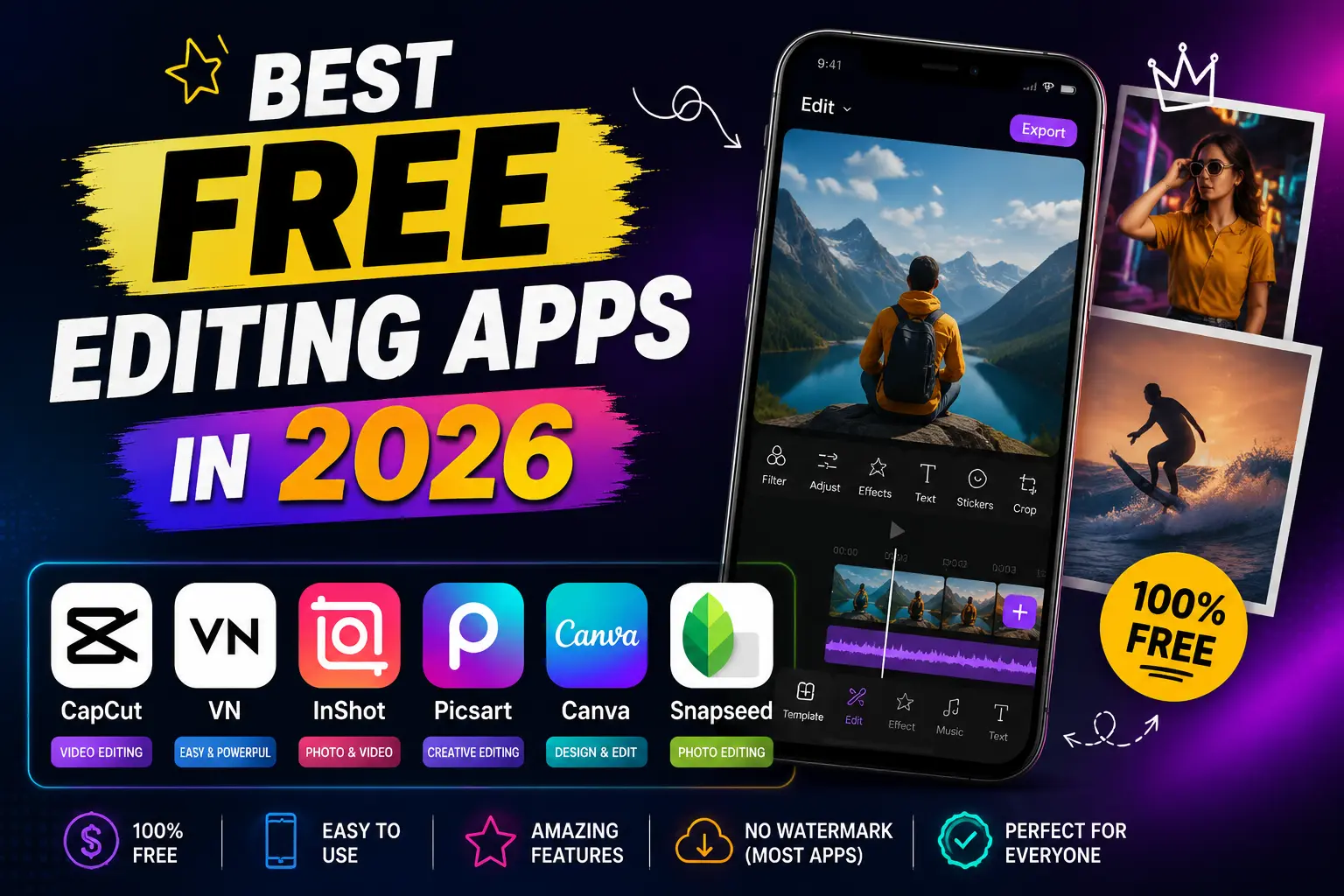
Want the best free photo editing apps in 2026? Snapseedis the top free pick for most people, with real tools and no watermark. Canva and Apple Photos are great for quick, clean edits at no cost. Adobe Lightroom is best for color, VSCO for filters, PicsArt for all in one creativity, Photo Room for cutouts, and Photo pea for free editing on a PC. Below is what each app offers, and what free really means for each one.
Last checked: July 2026. Free plans, credits, ads, and watermark rules can change by country and app version.
What “free” really means
Free does not always mean the same thing. Some apps are free forever, like Snapseed. Some are free but show ads. Others let you edit for free, then add a watermark or block a high resolution export until you pay. This guide marks each type clearly, so you do not spend time on an edit and meet a watermark at the end.
How we chose the best free photo editing apps
We looked at real editing tools, export quality, watermark limits, ads, ease of use, and availability on Android, iPhone, and the web. Free plans, credits, and premium features change often and can differ by country and app version, so check the current app listing before you subscribe.
Quick comparison
| App | Best for | Truly free? | Watermark on free export | Platforms |
|---|---|---|---|---|
| Snapseed | Everyday editing | Yes, fully free | None | Android, iOS |
| Canva | Design and social posts | Free plan | None on the photo editor | Android, iOS, Web |
| Apple Photos | Fast built in edits | Yes, built in | None | iOS |
| Adobe Lightroom | Color and RAW | Free core tools | Usually none | Android, iOS, Desktop, Web |
| VSCO | Film style filters | Free tier, limited | None on export | Android, iOS |
| PicsArt | All in one creative tools | Free plan | Can vary by template | Android, iOS, Web |
| YouCam Perfect | Selfies and beauty | Free tools | Can vary by tool | Android, iOS |
| Pixlr | Quick web editing | Free tier | Usually none | Android, iOS, Web |
| PhotoRoom | Background removal | Free tools | HD export needs premium | Android, iOS, Web |
| Photopea | Free PC editing | Yes, free | None | Web (PC, Mac) |
Note: App pricing, credits, free exports, watermark rules, and premium features can change by region and app version.
Snapseed: best free app overall (everyday editing)
Snapseed is the best free photo editing app for most people. Google offers it with no ads, no subscription, and no watermark. It gives you tools for cropping, color, healing, curves, selective edits, and film style looks, and it opens RAW files. It is best for people who want real control, not just one tap filters. It works on Android and iOS.
Pros
- Fully free with no ads or watermark
- Strong manual tools and RAW support
- Simple to learn
Cons
- No automatic background removal or generative fill
- Fewer trendy templates than PicsArt
- Not built for AI avatars
Canva: best free app for social posts (design and social posts)
Canva is a design app that also edits photos, and its photo editor is free with no watermark. It is best for social posts, thumbnails, and flyers, with drag and drop templates, text, and a background remover. The free plan covers a lot, while Canva Pro adds more tools and stock content. It works on Android, iOS, and the web.
Pros
- Free photo editor with no watermark
- Huge template library
- Works across mobile and web
Cons
- Light on deep photo retouching
- Best tools and stock need Canva Pro
- Needs an account
Apple Photos: best free app for quick iPhone edits (fast built in edits)
Apple Photos is already on your iPhone, and its editing tools are free with no watermark. It handles crop, exposure, color, and simple retouch well. It is the fastest choice for quick fixes without installing anything. It does not have AI art or advanced masking, so pair it with another app for bigger edits. It is iOS only.
Pros
- Free and built in
- No watermark
- Fast for simple edits
Cons
- iOS only
- No AI or advanced tools
- Limited creative options
Adobe Lightroom: best free app for color and RAW (color and RAW)
Adobe Lightroom is the best free pick when color and image quality matter most. Its free tier covers exposure, color grading, and RAW editing. Premium plans unlock masking, Lens Blur, Generative Remove, healing, cloud storage, and device syncing. It takes some practice, but results look clean and true to life. It works across mobile, desktop, and web.
Pros
- Strong free color and RAW tools
- Works on many devices
- Trusted by photographers
Cons
- Best masking and AI tools need a paid plan
- Takes practice to learn
- Heavier app than simple editors
VSCO: best free app for film style filters (film style filters)
VSCO is known for film style filters and a clean look. The free tier gives you editing tools and exports with no watermark. Keep in mind the free version can limit daily saves and show ads, and many presets need the paid VSCO plan. Check the current free limits before you rely on it. It works on Android and iOS.
Pros
- High quality film presets
- No watermark on export
- Clean, simple style
Cons
- Free tier can limit saves and show ads
- Most presets are paid
- Fewer manual tools
PicsArt: best free app for many tools in one (all in one creative tools)
PicsArt puts photo and video editing in one app, with stickers, collages, fonts, a background remover, and AI tools. The free plan is usable, but the top tools and an ad free view need PicsArt Gold, and some templates can add a watermark. It fits people who want many tools in one place. It runs on Android, iOS, and the web.
Pros
- Many tools in one app
- Large template and sticker library
- Background remover and AI tools
Cons
- Top tools need PicsArt Gold
- Ads on the free plan
- Some content can add a watermark
YouCam Perfect: best free app for selfies (selfies and beauty)
YouCam Perfect, from Perfect Corp, is a good free choice for selfies and beauty edits. It offers skin smoothing, face reshaping, makeup, background removal, and collages. The free version is useful for basic edits, while some effects and AI credits need payment, and a watermark or ads can appear on free exports. It works on Android and iOS.
Pros
- Good selfie and portrait tools
- Easy for beginners
- Extra tools like collages
Cons
- Some effects and credits need payment
- A watermark or ads can appear on free
- Heavy effects can look less natural
Pixlr: best free app for quick web editing (quick web editing)
Pixlr is a quick editor that works in a web browser and on phones. The free tier covers cropping, filters, layers, and simple AI tools, and exports are usually clean. It shows ads on the free plan, and some AI features use credits. It is handy when you want to edit without installing an app. It works on Android, iOS, and the web.
Pros
- Works in a browser, no install needed
- Layers and filters on the free tier
- Usually clean exports
Cons
- Ads on the free plan
- Some AI tools use credits
- The web version needs an internet connection
PhotoRoom: best free app for background removal (background removal)
PhotoRoom is the best free tool for background removal and product photos. Its AI cuts out the subject fast and lets you add clean backgrounds and shadows. The free version handles everyday cutouts, while higher resolution exports, batch editing, and commercial tools may need a paid plan. It works on Android, iOS, and the web.
Pros
- Fast, clean background removal
- Good for store and profile images
- Works on mobile and web
Cons
- Higher resolution and batch tools may need payment
- Less useful for selfie beauty edits
- Focused on cutouts more than full editing
Photopea: best free app for PC editing (free PC editing)
Photopea is a free editor that runs in your web browser and works like Photoshop. It opens PSD, JPG, PNG, and RAW files, supports layers, and exports with no watermark. It is a strong free choice for PC and laptop users who want deeper editing without paying. It shows ads, which you can remove with a low cost plan.
Pros
- Free and works in a browser
- Layers and PSD support
- No watermark on export
Cons
- Shows ads on the free version
- Can feel complex for beginners
- Needs a larger screen for comfort
A quick way to check an app is really free
Before you edit a batch of photos, test one export first. Save a single edited photo, then check it for a watermark and compare its size to the original. Tap the AI, masking, and premium filter tools to see which ones are paid. Watch for trial labels and account sign ups. This quick test saves time and avoids surprises at the end.
How to pick the right free app
Choose by the job you care about most. For everyday editing, start with Snapseed. For social posts, use Canva. For color and RAW, pick Adobe Lightroom. For filters, try VSCO. For selfies, use YouCam Perfect. For cutouts, use PhotoRoom. For quick web editing or a PC, use Pixlr or Photopea. Most people only need one general editor and one specialist app.
Where Hypic fits in
Hypic, made by ByteDance, is another free photo editor with AI tools, filters, and cutouts. Its free version works well, though some premium tools sit behind the Hypic Pro plan, and availability can vary by country and app store. If you use Hypic and want more free options, see our guide to the best Hypic alternatives.
Frequently asked questions
What is the best free photo editing app in 2026?
Snapseed is the best free option for most people. Google offers it with no ads, no subscription, and no watermark. It has strong tools for color, healing, and selective edits, and it opens RAW files. It works on Android and iOS.
Which free editing apps have no watermark?
Snapseed, Apple Photos, the Canva photo editor, and Photopea all export with no watermark. Some other apps can add a watermark on certain templates or effects. Test one export first to be sure before you edit a large batch.
Is Snapseed really free?
Yes. Google offers Snapseed with no subscription, no ads, and no in app purchases. The full tool set is free on both Android and iOS, and exports come out with no watermark.
What is the best free editing app for iPhone?
Apple Photos is best for quick edits, since it is already on your iPhone and adds no watermark. For full control at no cost, add Snapseed. Both export cleanly, so they work well together.
What is the best free editing app for Android?
Snapseed is the top free pick for Android. Canva is strong for social posts, and Pixlr is handy for quick edits in a web browser. All three offer clean free exports for everyday use. These are among the best free photo editing apps you can install on Android today.
Is Hypic free?
Hypic has a free version, with some premium tools locked behind the Hypic Pro plan. Availability can vary by country and app store. For other free options, see our guide to the best Hypic alternatives.