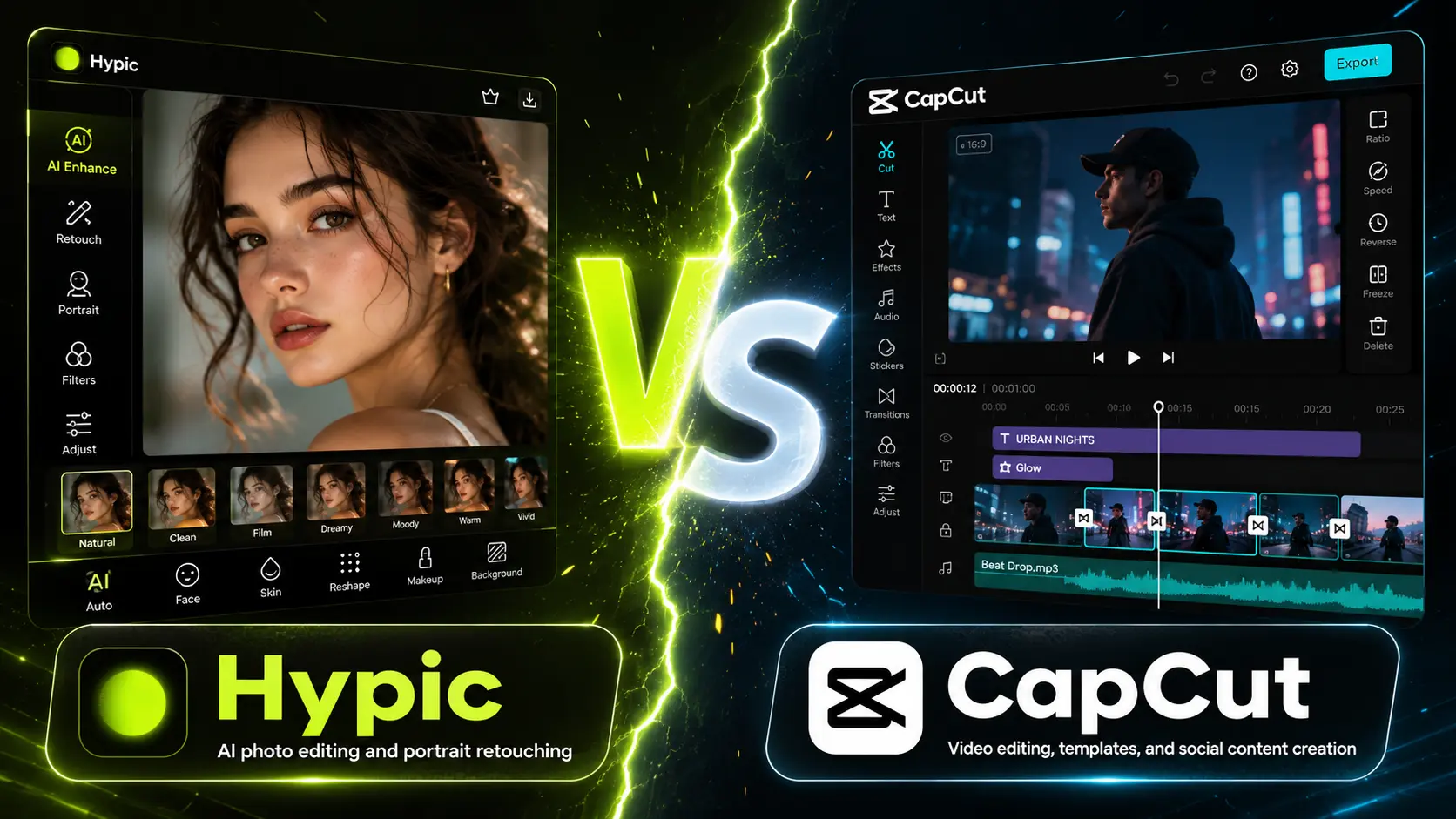
Hypic vs CapCut
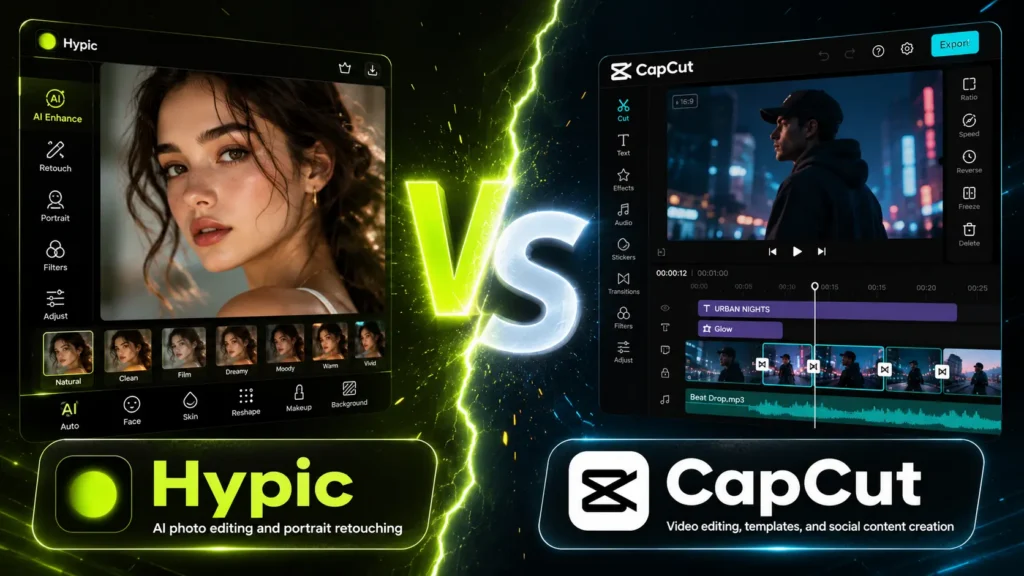
Hypic vs CapCut is not really a fair fight, because they do different jobs. Hypic is a photo editor, and CapCut is a video editor. Both are made by ByteDance, the company behind TikTok. Hypic is best for editing photos and AI art. CapCut is best for making and editing videos and reels. Many creators use both. This guide shows what each one does and how to choose.
Last checked: July 2026. Free plans, prices, and app features can change by country and app version.
+vs+CapCut+(video)+%E2%80%94+add+screenshot "Hypic vs CapCut 3 ffffff")
Hypic and CapCut at a glance
| Feature | Hypic | CapCut |
|---|---|---|
| Maker | ByteDance | ByteDance |
| Type | Photo editor | Video editor |
| Best for | Photo edits and AI art | Video and reels |
| Video editing | No | Yes, full timeline |
| AI tools | One tap retouch, art, avatars | Auto captions, background removal, AI video |
| Free plan | Yes, with Hypic Pro | Yes, with Standard and Pro |
| Platforms | Android, iOS, PC via emulator | Android, iOS, Windows, Mac, Web |
Hypic — photos
A mobile AI photo editor from ByteDance. One tap filters, background removal, AI art, avatars, and face retouching, plus photo templates and collages. No video editing and no RAW support. Best for quick, clean photo posts.
CapCut — video
A video editor, also from ByteDance. Full timeline, transitions, effects, speed control, and audio tools. AI features include auto captions, text to speech, background removal, and AI video. The go to app for reels and shorts.
What is Hypic?
Hypic is a mobile AI photo editor made by ByteDance. It focuses on speed, with one tap filters, background removal, AI art, avatars, and face retouching. It also has photo templates and collages. It does not edit video or support RAW files. It is best for quick, clean photo edits for social media.

What is CapCut?
CapCut is a video editor, also made by ByteDance. It has a full timeline, transitions, effects, speed control, and audio tools. Its AI features include auto captions, text to speech, background removal, and AI video generation. It is the go to app for TikTok, Instagram Reels, and YouTube Shorts. It works on phone, computer, and in a web browser.

The main difference: photos vs video
The simplest way to choose is by what you are making. If you want to edit a photo, use Hypic. If you want to make a video or a reel, use CapCut. Hypic turns a single image into a polished post. CapCut joins clips, music, and captions into a finished video. They are not rivals so much as two tools for two jobs, and they come from the same company.

Features compared
Both apps have templates, filters, AI tools, and a clean design for social media. Hypic leans into photo work, like AI retouching, avatars, and one tap art. CapCut leans into video work, like trimming clips, adding captions, and syncing to music. CapCut also has some photo and image tools, but they are basic next to Hypic. For deep photo color or RAW files, neither fits, so use Adobe Lightroom.
Platforms and ease of use
CapCut is more flexible on devices. It runs on Android, iPhone, Windows, Mac, and in a web browser with no install. Hypic is a phone app, and you can run it on a PC only through an emulator like BlueStacks. Both are made for beginners. Hypic is faster for one tap photo edits. CapCut has a timeline, so video editing takes a little more learning.
Free plans and pricing
Both are free to start. CapCut has a capable free plan with a full editor and 1080p export, though some premium templates and AI effects add a watermark or a monthly usage cap. Paid CapCut plans, called Standard and Pro, remove those limits and add 4K and the full AI toolkit. Hypic locks some AI tools and styles behind Hypic Pro. Prices vary by plan, region, and where you buy, and both apps may not appear in every app store, so check the current listings before you pay.
Can you use Hypic and CapCut together?
💡 Pro workflow: edit in Hypic, finish in CapCut
Yes, and this is the smart move for reels. Edit your photos in Hypic first, then bring them into CapCut to add motion, music, and captions and export the reel. Since both come from ByteDance, they fit the same social workflow. See our guide on how to use Hypic templates for viral reels for the full steps.
Which one should you pick?
Pick Hypic if…
Your main job is editing photos and AI art.
Pick CapCut if…
Your main job is making videos and reels.
Most creators keep both. For more photo options, see our guide to the best free editing apps and the best Hypic alternatives.
Frequently asked questions
Is Hypic or CapCut better?
Neither is better, because they do different jobs. Hypic is better for editing photos and AI art. CapCut is better for making videos and reels. Pick the one that matches what you want to create.
Are Hypic and CapCut made by the same company?
Yes. Both Hypic and CapCut are made by ByteDance, the company behind TikTok. That is why they share a similar clean style and work well together in a social media workflow.
Can CapCut edit photos?
CapCut has some basic image tools, but it is built for video. For real photo editing, like retouching, AI art, and one tap filters, Hypic does a better job. Many people use Hypic for photos and CapCut for video.
Is CapCut free?
CapCut has a capable free plan with a full editor and 1080p export. Some premium templates and AI effects add a watermark or a usage cap. Paid plans add 4K and the full AI toolkit. Prices vary by region.