Hypic Vs Pixlr
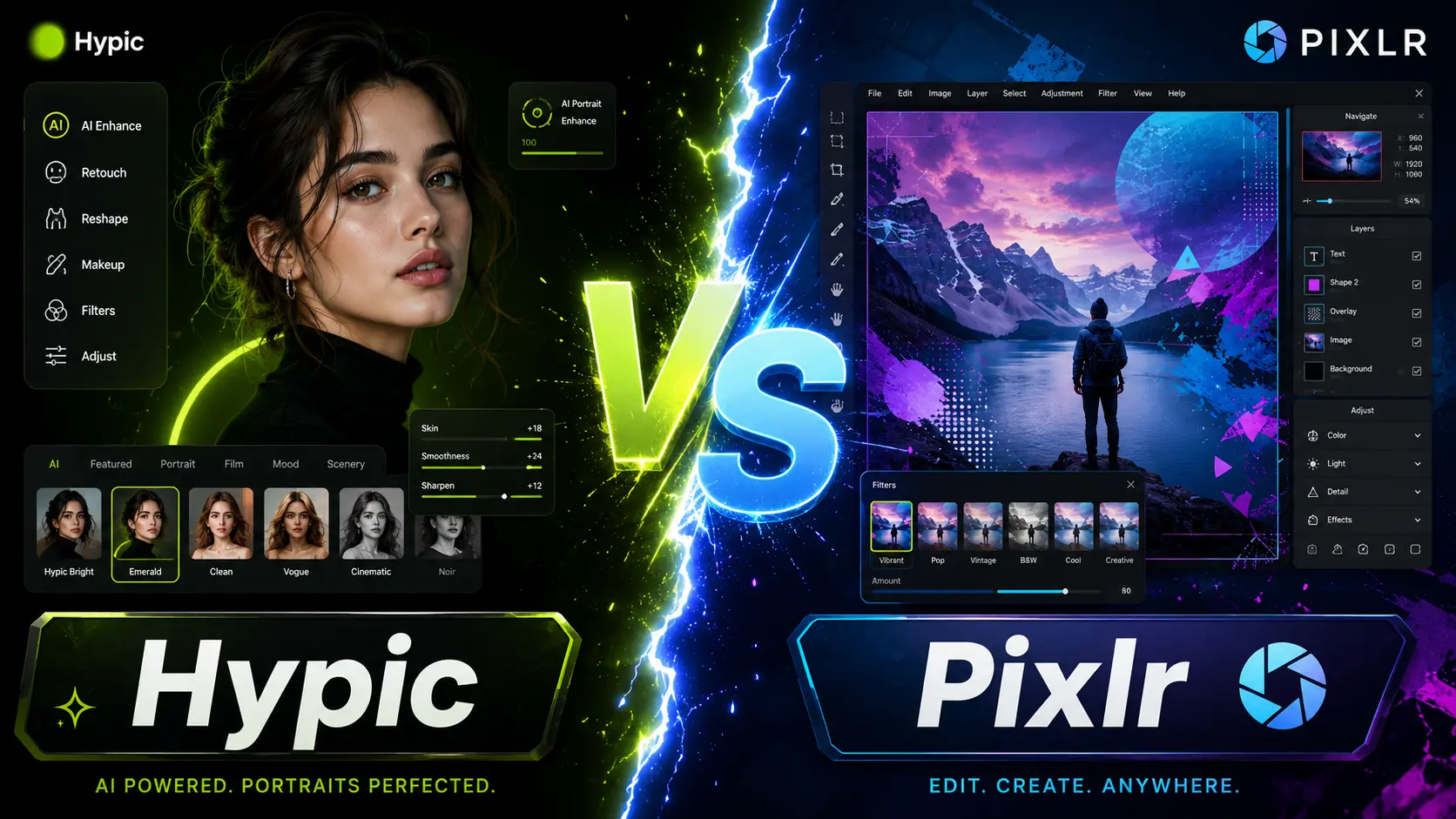
Hypic vs Pixlr is really a choice between a fast mobile app and a flexible browser editor. Hypic, made by ByteDance, is best for quick one tap AI edits on your phone. Pixlr runs in your web browser, works on almost any device, and gives you layers and AI generation tools. Both have a free plan with paid upgrades. This guide compares their tools, platforms, pricing, and best uses.
Last checked: July 2026. Free plans, prices, and app features can change by country and app version.

Hypic and Pixlr at a glance
| Feature | Hypic | Pixlr |
|---|---|---|
| Maker | ByteDance | Inmagine Group |
| Type | Mobile app | Browser based editor |
| Best for | Fast mobile AI edits | Editing and design on any device |
| AI tools | One tap retouch and art | Generative fill, background removal, image generator |
| Layers and masks | No | Yes, in Pixlr E |
| Works offline | Many edits, yes | No, needs internet |
| Free plan | Yes, with Hypic Pro | Yes, with ads and AI credits |
| Platforms | Android, iOS, PC via emulator | Web, Windows, Mac, Android, iOS |
Hypic
A mobile AI photo editor from ByteDance, built for speed on your phone. One tap filters, background removal, AI art, avatars, and face retouching, plus templates and collages. No full video editing and no RAW support. Best for quick, clean social media edits.
Pixlr
A browser based editor from Inmagine Group, running since 2008. No install needed, with apps for Android and iOS too. Two editors: Pixlr X for quick edits and Pixlr E for layers and masks. AI tools include generative fill and background removal.
What is Hypic?
Hypic is a mobile AI photo editor made by ByteDance, the company behind TikTok. It focuses on speed, with one tap filters, background removal, AI art, avatars, and face retouching. It also has templates and collages. It does not do full video editing or support RAW files. It is best for quick, clean edits on your phone for social media.

What is Pixlr?
Pixlr is a browser based photo editor made by Inmagine Group, and it has run since 2008. You use it in a web browser with no install, and it also has apps for Android and iOS. It offers two main editors, Pixlr X for quick edits and Pixlr E for layers and masks. It also has AI tools like generative fill and background removal.

Features and tools compared
The big difference is approach. Hypic does most edits in one tap, which suits beginners and fast phone edits. Pixlr gives you more manual control, with layers, masks, and design tools in the browser. Both use AI. Hypic leans into one tap retouching and AI art. Pixlr leans into AI generation, like making or expanding images from a text prompt, though those tools use credits. Neither is built for RAW or pro color grading, so use Adobe Lightroom for that.
Platforms and ease of use
Hypic is a phone app, so you install it from an app store, and you can run it on a PC through an emulator like BlueStacks. Pixlr needs no install and opens in any browser, on Windows, Mac, Android, or iPhone, which makes it easy to use on a laptop. Hypic is simpler for fast edits. Pixlr E can feel busy, since it works more like Photoshop, but Pixlr X keeps things quick.
Free plans and pricing
Both apps are free to start. Pixlr shows ads on the free plan and limits its AI tools with a monthly credit pool, and some exports can carry a watermark or a lower resolution. Paid Pixlr plans start low and add more credits, remove ads, and unlock full exports. Hypic locks some AI tools and styles behind Hypic Pro, and it may not appear in every app store, so check the current listing before you pay. Prices and limits can change by country and version.
Which one should you pick?
Pick Hypic if…
You want fast, one tap edits on your phone for social media, with little effort.
Pick Pixlr if…
You want to edit or design on a laptop or in a browser, with layers and AI generation.
Many creators use both, Hypic for quick phone edits and Pixlr for bigger work. For more choices, see our guide to the best free editing apps and the best Hypic alternatives.
Frequently asked questions
Is Hypic or Pixlr better?
Neither is better for everyone. Hypic is better for fast AI edits on a phone. Pixlr is better for editing and design on a laptop or browser, with layers and AI generation. Your best pick depends on your device and how much control you want.
Is Pixlr free?
Pixlr has a free plan you can use in a browser. It shows ads and limits AI tools with a monthly credit pool, and some exports can carry a watermark. Paid plans remove ads and add more credits.
Can I use Hypic and Pixlr on PC?
Pixlr works on PC in any web browser, with no install. Hypic has no official PC app, so people run it through an Android emulator like BlueStacks or LDPlayer on their computer.
Which is better for AI editing?
Both use AI. Hypic is strong for one tap retouching and AI art on a phone. Pixlr is strong for AI generation, like generative fill and making images from text, though those tools use credits on the free plan.