How to Use Hypic Templates for Viral Reels In 2026
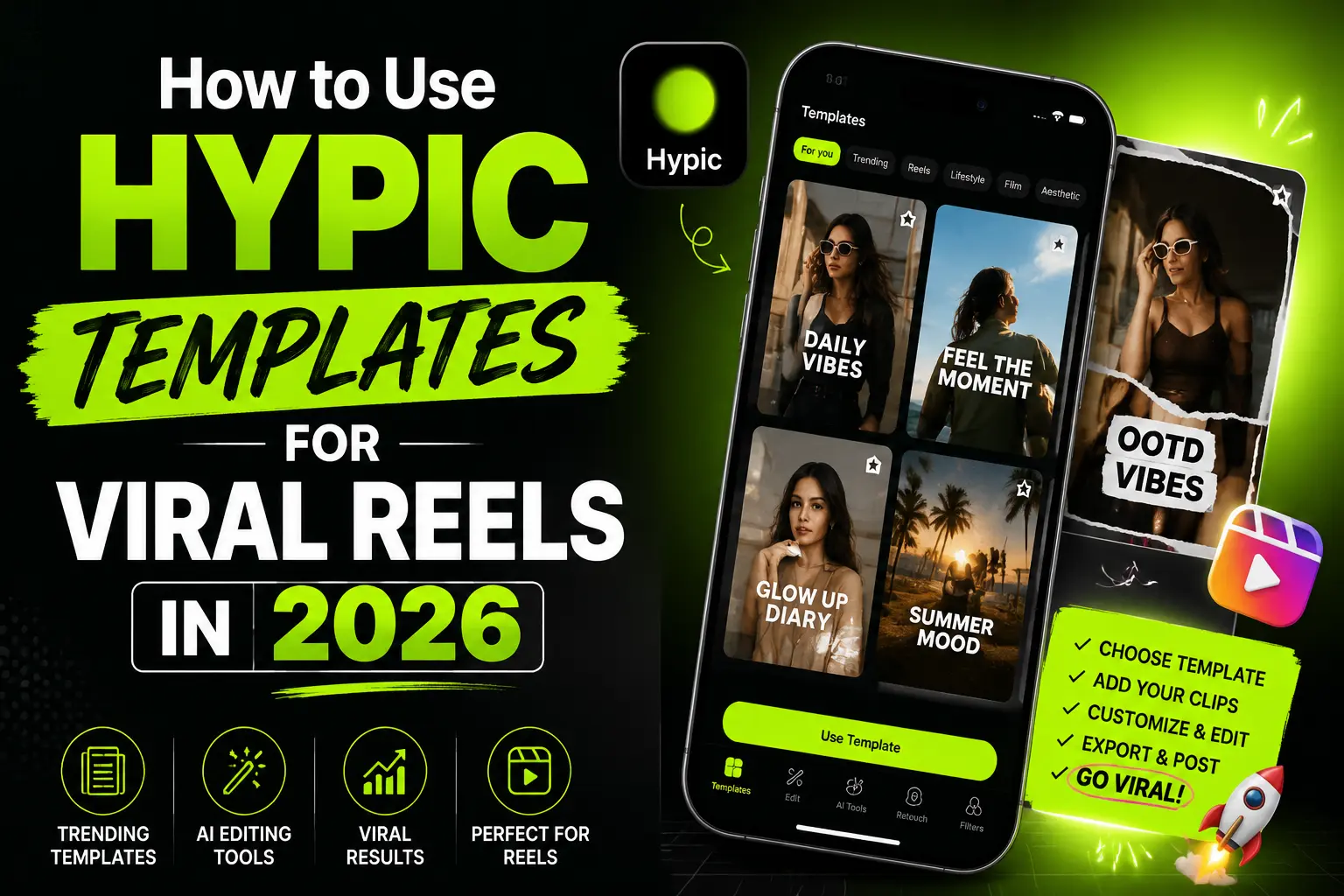
Hypic’s templates are one-tap photo styles that make your pictures look ready for social media. To turn them into a viral reel in 2026, edit a set of photos with the same style, then combine them in a video app with a trending sound. This guide shows the full steps, the best styles to try, and simple tips to help your reel get seen.
What are Hypic templates?
Hypic’s templates are ready-made photo styles built with AI. Each one adds a set of filters, lighting, color, and effects in a single tap. Made by ByteDance, Hypic offers many types, including aesthetic, AI portrait, cartoon, anime, vintage film, and collage styles. You upload a photo, pick a style, and the app applies the look for you. They are made for beginners and creators who want fast, clean edits without manual work.
Can Hypic make reels on its own?
Not by itself. Hypic is a photo editor and AI art app, so it creates images, not finished videos. A reel is a short video, so you build it in a separate video app. The simple path is to edit your photos in Hypic, then bring them into CapCut, InShot, or the Instagram reel editor to add motion, timing, and sound. This is how most creators turn photo edits into reels.
How to make a viral reel with Hypic, step by step
- Open Hypic and pick 3 to 6 clear photos that fit one theme or story.
- Tap the Templates tab and browse the styles.
- Choose a style that matches your mood, such as aesthetic, retro film, or AI portrait.
- Apply the same style to every photo so the reel looks consistent.
- Adjust lightly if needed, fixing brightness or crop, but avoid heavy edits that look fake.
- Export each photo in the highest quality your plan allows.
- Open a video app like CapCut, InShot, or the Instagram reel editor, then import your photos in order.
- Add a trending sound, set the timing to the beat, and pick a vertical 9:16 size.
- Add a short caption and post. Watch which style gets the most views, then repeat it.
Best Hypic styles for reels in 2026
Template trends change fast, so check what is popular on Instagram and TikTok before you post. In 2026, these Hypic styles show up often in reels: aesthetic and clean girl presets for a soft look, retro film and vintage styles for a nostalgic feel, the Canon G7X digital camera effect for a point and shoot vibe, AI portrait styles for polished faces, cartoon and anime styles for fun edits, glow and neon styles for night shots, and 4 photo collage styles for photo dumps. Pick one style per reel so all the clips match.
Tips to help your reel perform
A few simple habits help a reel get seen. Hook viewers in the first second with your best photo or a bold line. Use a trending sound, since audio drives reach on Reels. Keep the reel short, often under 30 seconds. Use a vertical 9:16 size so it fills the screen. Keep one visual style across all clips. Add captions for people who watch on mute. Post when your audience is active, and reply to early comments. No app can promise a viral reel, but these habits improve your odds.
Free styles vs Hypic Pro
Some Hypic styles and filters are free, and the free version covers many basic looks. Other styles, filters, and AI effects sit behind the Hypic Pro plan. Access and prices can also vary by country and app store, so check the app before you pay. If you want more free choices, see our guide to the best free editing apps and our list of the best Hypic alternatives.
Common mistakes to avoid
Avoid a few common slips. Do not use the same viral style as everyone else, or your reel will look generic. Do not over-smooth skin, since it looks fake up close. Do not mix too many styles in one reel. Do not skip the sound, as silent reels tend to get less reach. And do not export at low quality, which looks blurry on a phone screen.
Frequently asked questions
Can I make reels directly in Hypic?
Not fully. Hypic mainly edits photos and AI art. To make a reel, edit your photos in Hypic, then combine them in a video app like CapCut, InShot, or the Instagram reel editor, and add a trending sound.
Are Hypic styles free?
Some are free, and the free version covers many basic looks. Other styles, filters, and AI effects need the Hypic Pro plan. Access and prices can vary by country and app store, so check the app first.
What size should a reel be?
Use a vertical 9:16 size so the reel fills a phone screen. Keep it short, often under 30 seconds, though up to 60 seconds can work. Set your photo timing to match the beat of your sound.
Which app turns Hypic photos into a reel?
CapCut, InShot, and the Instagram reel editor all work well. Import your edited photos in order, add a trending sound, set the 9:16 size, and export. Then post straight to Reels.