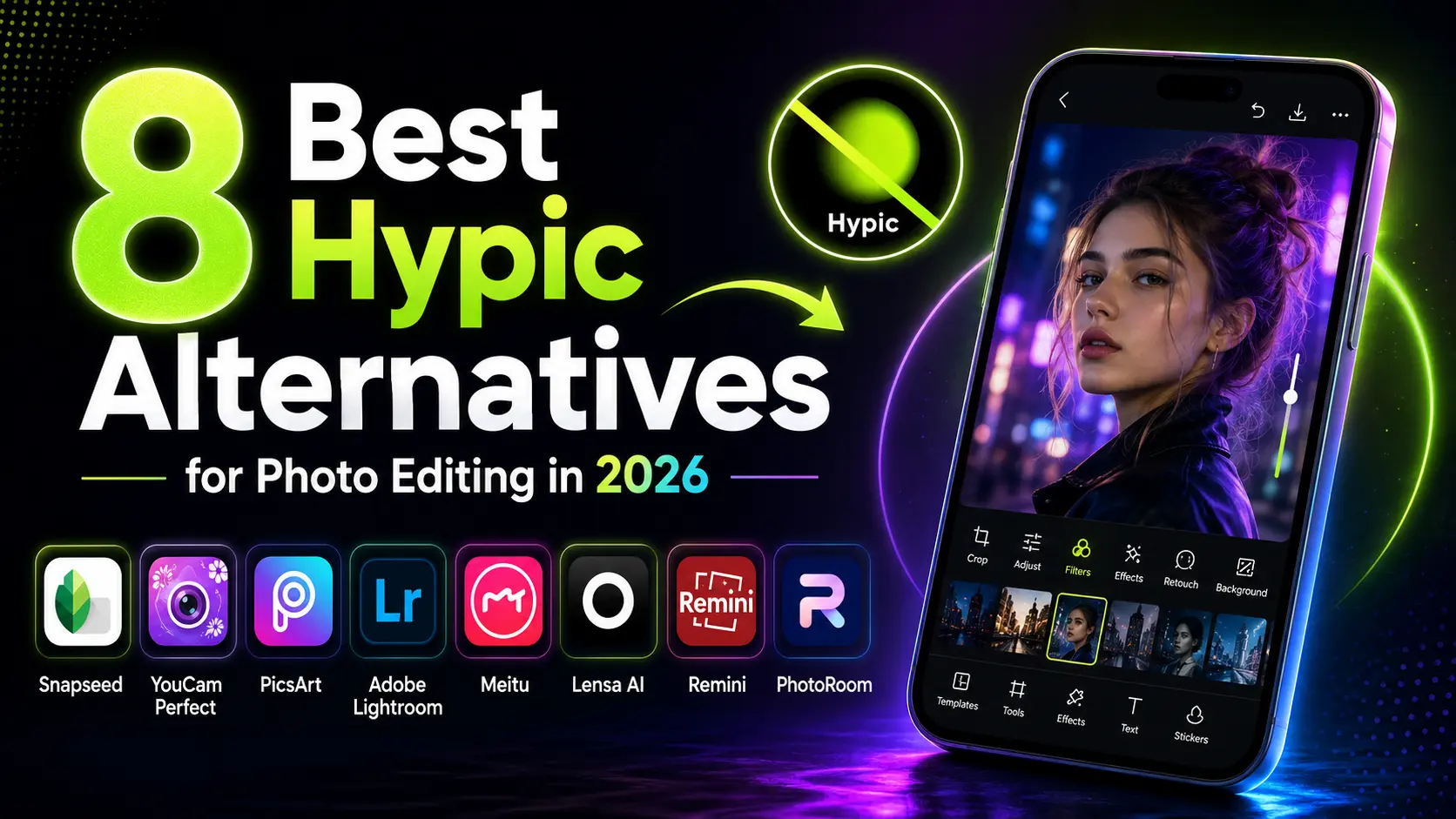
8 Best Hypic Alternatives for Photo Editing in 2026
Last checked: July 2026. Prices, credits, free exports, and premium features can change by country and app version.
Looking for a reliable Hypic alternative? Snapseed is the best free pick for manual editing and clean exports. YouCam Perfect and Meitu are stronger for selfies, while PicsArt gives you more all in one creative tools. Adobe Lightroom is better for color work, and single purpose apps such as Lensa AI, Remini, and PhotoRoom handle avatars, old photos, and background removal. Together, these Hypic alternatives cover nearly every editing need, so you can match the right tool to the job.
Why people look for apps like Hypic
Hypic is popular for AI retouching, filters, cutouts, and quick creative edits. People usually look for apps like Hypic when they want a free editor, more natural selfie tools, better background removal, stronger color controls, or a different privacy and ownership option. Availability and features can also vary by country, device, and app store. The Hypic alternatives below cover each of these needs.
How we chose the best Hypic alternatives
To rank these Hypic alternatives, we compared them on the features that matter most. We compared these apps based on free editing options, export quality, watermark limits, AI tools, selfie features, background removal, ease of use, and availability on Android, iPhone, and the web. Features, credits, pricing, and free plan limits can change by country and app version, so check the latest listing before you subscribe.
Quick comparison
| App | Best for | Free plan | Watermark / export note | Platforms |
|---|---|---|---|---|
| Snapseed | Manual editing and color | Strong free option | Typically clean exports | Android, iOS |
| YouCam Perfect | Selfies and beauty edits | Free tools available | Limits can vary by tool | Android, iOS |
| PicsArt | Templates and creative edits | Free plan available | Some features need premium access | Android, iOS, Web |
| Adobe Lightroom | Color and photo quality | Core editing available | Premium unlocks advanced tools | Android, iOS, Desktop, Web |
| Meitu | Trendy filters and portrait effects | Free tools available | Premium effects may require payment | Android, iOS |
| Lensa AI | AI avatars | Limited free access | Avatar packs may require credits | Android, iOS |
| Remini | Blurry and old photos | Limited free access | Regular use may require payment | Android, iOS |
| PhotoRoom | Product photos and cutouts | Free tools available | HD and bulk features may need premium | Android, iOS, Web |
Note: App pricing, credits, free exports, watermark rules, and premium features can change by region and app version.
Snapseed: best for free editing
Snapseed is the best free option for people who want more control over their edits. It includes professional adjustment tools, selective editing, healing, curves, film style looks, and smart masking. It is a strong choice for everyday photo edits without forcing you into a subscription. It is best for people who prefer manual editing instead of one tap beauty effects.
Pros
- Free with no ads, subscription, or watermark
- Strong manual tools for color, healing, and selective edits
- Opens RAW files for higher quality
Cons
- Fewer trendy templates than PicsArt
- Less focused on beauty and selfie filters
- Not built for AI avatars or product cutouts
YouCam Perfect: best for selfies
YouCam Perfect offers portrait retouching, makeup effects, background removal, collages, and AI photo tools. The free version is useful for basic edits, while some advanced effects, credits, and premium tools may require payment. It offers skin smoothing, face reshaping, virtual makeup, and portrait retouching tools. The final result depends on how strongly you apply each effect.
Pros
- Good skin, makeup, and portrait tools
- Easy for beginners
- Extra tools like background removal and collages
Cons
- Free plan limits some effects and credits
- A watermark or ads can appear on the free tier
- Heavy effects can look less natural
PicsArt: best for many tools in one
PicsArt puts photo and video editing in one app, with stickers, collages, fonts, a background remover, and AI tools. A large template library helps with social posts. The free plan is usable, but the top tools and an ad free view need PicsArt Gold. It runs on Android, iOS, and the web. It can feel busy for users who only want quick, clean photo edits, so Snapseed or Lightroom may be easier for a simpler workflow.
Pros
- Photo and video in one app
- Large template, sticker, and font library
- Background remover and AI tools
Cons
- Top tools need PicsArt Gold
- Interface can feel busy
- Free plan shows ads
Adobe Lightroom: best for color and quality
Adobe Lightroom is the pick when image quality matters most. It grades color, edits RAW files, and masks parts of a photo. Lightroom offers core mobile editing tools for free. Premium plans unlock advanced features such as masking, Lens Blur, Generative Remove, healing tools, cloud storage, device syncing, and other professional editing options. It takes some practice, but results look clean and true to life. It is available across mobile, desktop, and web, which makes it useful for people who edit on more than one device.
Pros
- Strong color grading and RAW editing
- Works across mobile, desktop, and web
- Trusted by many photographers
Cons
- Best masking and AI tools need a paid plan
- Takes practice to learn
- Heavier app than simple editors
Meitu: closest in feel to Hypic
Meitu feels the most like Hypic, with beauty tools, trend filters, and fresh templates each season in the same one tap style. Meitu may not be the right fit for users who specifically want to move away from photo editing apps based in China. Check the company’s privacy policy and app permissions before uploading personal photos. Its strongest features focus on beauty effects and visual trends, so it may not suit users who want detailed manual color editing.
Pros
- Close to the Hypic one tap style
- Frequent trend filters and templates
- Simple beauty and portrait tools
Cons
- Premium effects may require payment
- Made by a company based in China, a concern for some users
- Limited manual color control
Lensa AI: best for AI avatars
Lensa AI, from Prisma Labs, is known for Magic Avatars that turn selfies into art styles. It also has one tap face and skin retouch. Lensa is better as a creative companion app than your only editor. Its AI portrait and avatar features may require credits or paid access, so check the current in app pricing before buying a pack. Results can look stylized rather than realistic, especially when the original selfie has poor lighting or low detail.
Pros
- Strong AI avatars and portrait styles
- Simple one tap retouch
- Fun for social media
Cons
- Avatar packs may need paid credits
- Results can look stylized, not realistic
- Not a full everyday editor
Remini: best for old or blurry photos
Remini, from Bending Spoons, fixes old, blurry, or low quality photos. Its AI can make blurry or low resolution faces look sharper, which can help with old family photos and compressed images. However, strong enhancement can sometimes create an artificial or over smoothed look. It is not a full editor, so pair it with another app for filters.
Pros
- Good at sharpening old or blurry faces
- Very easy to use
- Helpful for restoring family photos
Cons
- Limited free credits
- Can look over smoothed or artificial
- Narrow focus, not a full editor
PhotoRoom: best for background removal
PhotoRoom removes backgrounds and cleans up product photos, which is why sellers and creators use it. Its AI removes backgrounds quickly and gives you tools to create clean product images, replace backgrounds, add shadows, and prepare visuals for online stores or social media. If you used Hypic mainly to isolate a subject, this does it more cleanly. Higher resolution exports, batch editing, and advanced commercial features may require a paid plan.
Pros
- Fast, clean background removal
- Good for product and store images
- Works on Android, iOS, and web
Cons
- Higher resolution and batch tools may need payment
- Less useful for selfie beauty edits
- Focused on cutouts more than full editing
How to pick the right one
The best Hypic alternatives depend on your workflow. Choose by the job you care about most. For free editing, start with Snapseed. For selfies, try YouCam Perfect or Meitu. For many tools at once, use PicsArt. For the cleanest quality, pick Adobe Lightroom. For avatars, old photos, or backgrounds, use Lensa AI, Remini, or PhotoRoom. If privacy, ownership, or country availability matters to you, check the app’s developer details, privacy policy, permissions, and app store listing before uploading personal images.
Frequently asked questions
What is the best free alternative to Hypic?
Snapseed is one of the strongest free options for manual photo editing. Google offers it with no ads, no subscription, and no watermark on exports. It is especially useful for cropping, color correction, healing, selective edits, and film style effects. It works on Android and iOS.
Which app is most like Hypic?
Meitu is the closest match if you mainly use Hypic for one tap beauty effects, filters, portrait retouching, and trendy social media edits. YouCam Perfect is another strong option for selfies, while PicsArt is better if you want templates, stickers, text, and broader creative tools.
Why can’t I download Hypic in my country?
Hypic availability can differ by app store, country, device, and account region. Check the current App Store or Google Play listing in your location. If it is unavailable, or you prefer another editor, Snapseed, Lightroom, PicsArt, and PhotoRoom are popular alternatives.
Is there a free editor with no watermark?
Snapseed is one of the safest choices for free, clean photo exports. Other apps may offer free editing but can place limits on premium effects, AI credits, resolution, or certain export types. Always test one export before you edit a large batch of photos. Most of these Hypic alternatives offer a free tier, so you can try a few before choosing one.